Image to Image AI
Transform any image into something new. Reimagine your photos with endless styles. One upload, infinite possibilities.
See What Image to Image AI Can Do
Every transformed image below was created with our Image to Image AI — upload a photo, describe the change, and watch it happen.
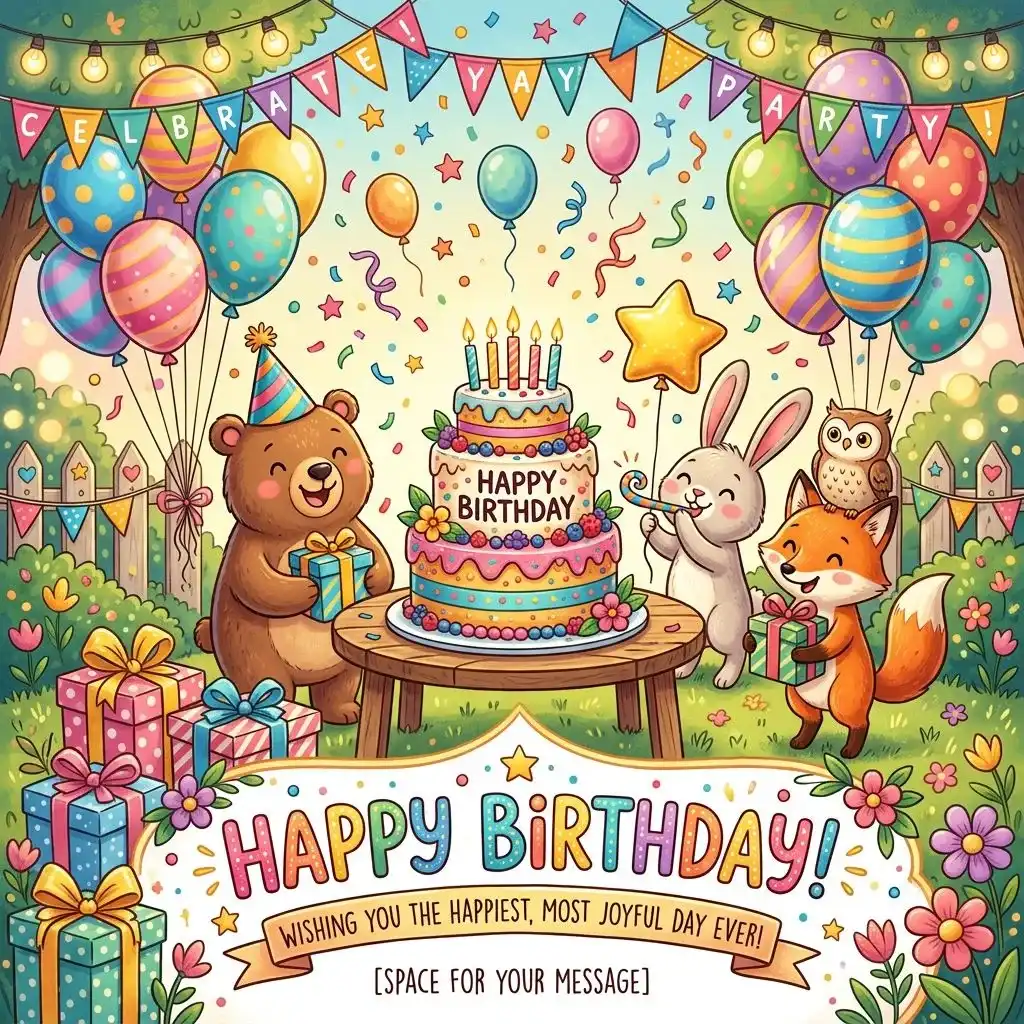 DESIGN
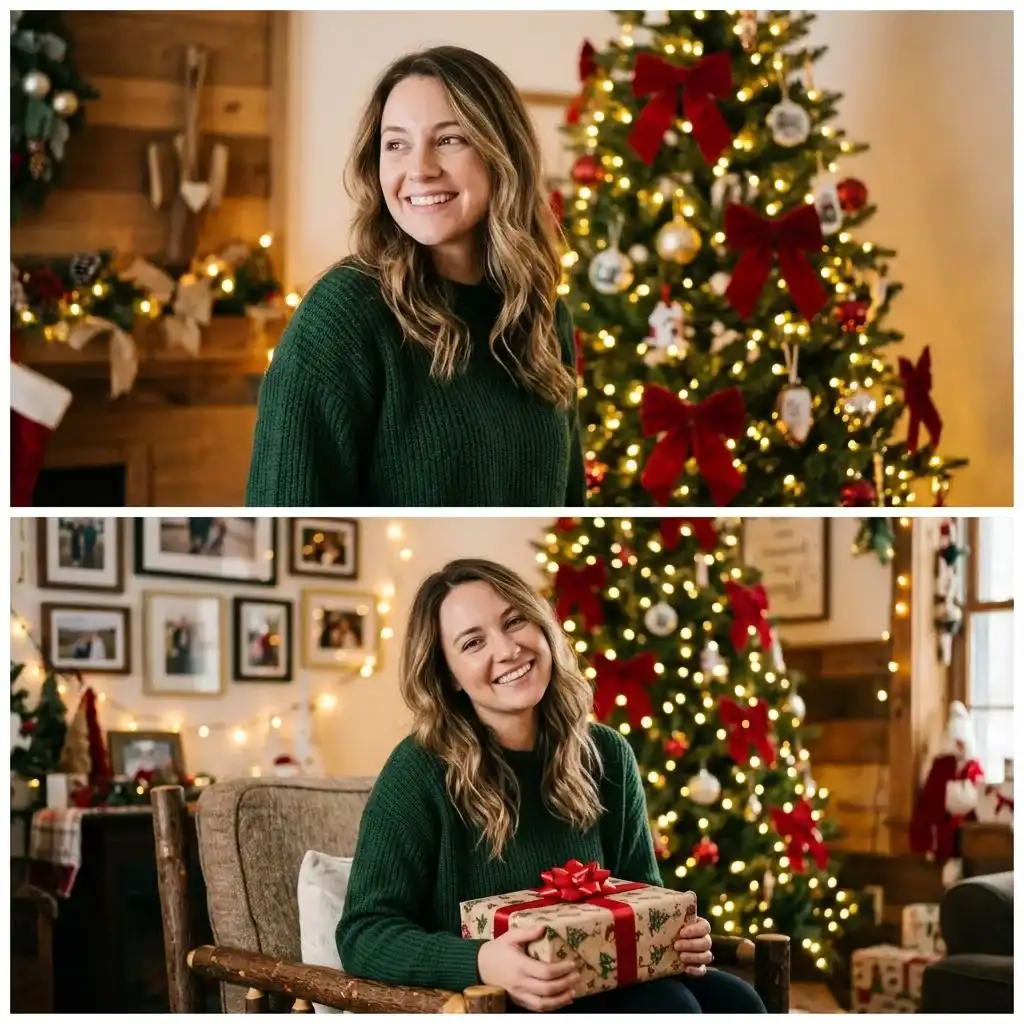 PORTRAIT
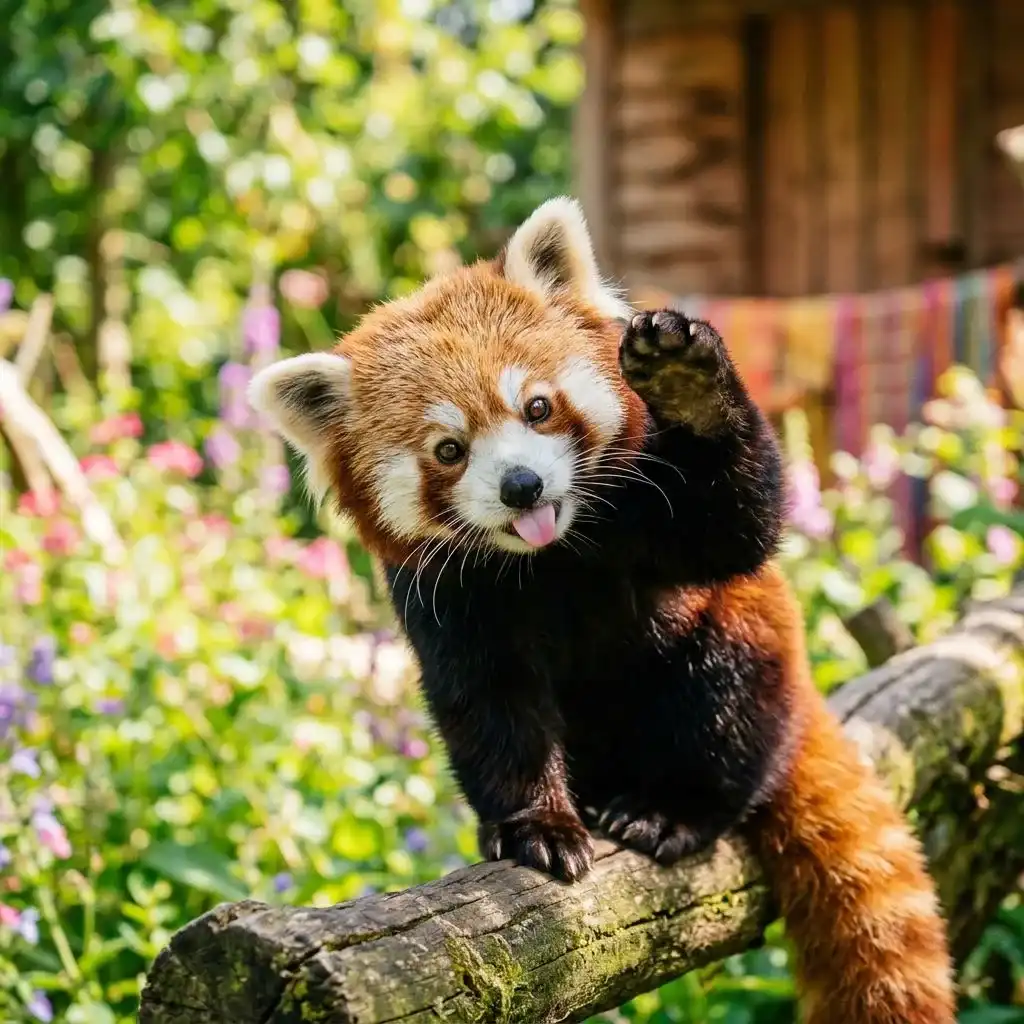 ANIMAL
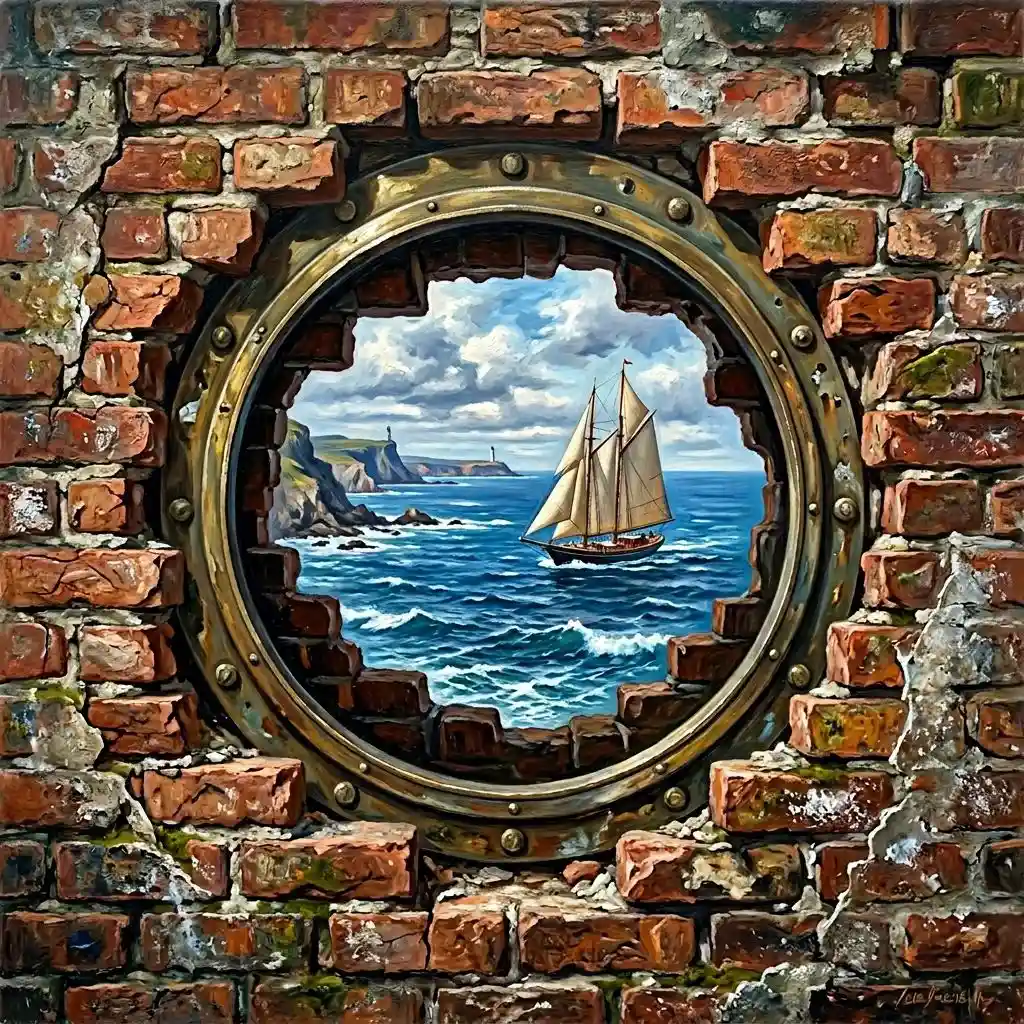 ART
ART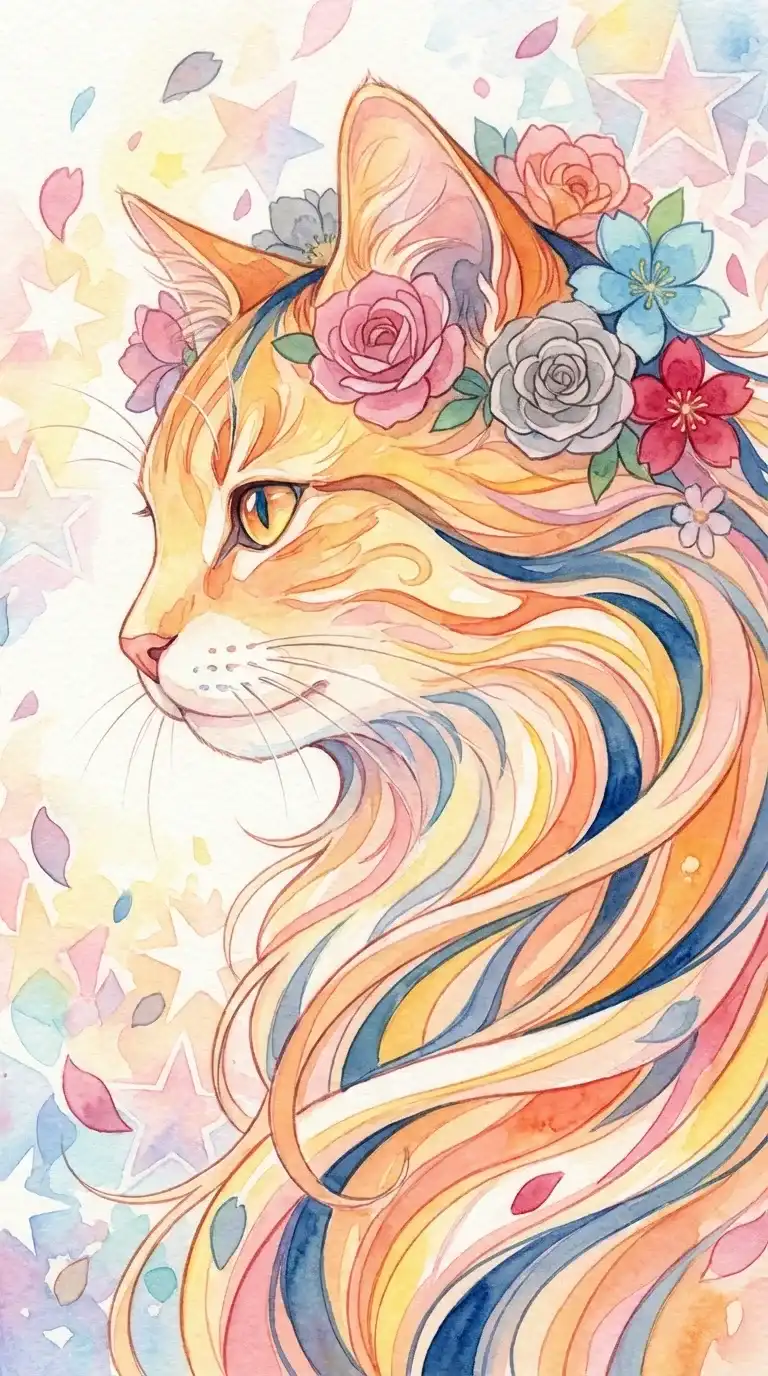 ILLUSTRATION
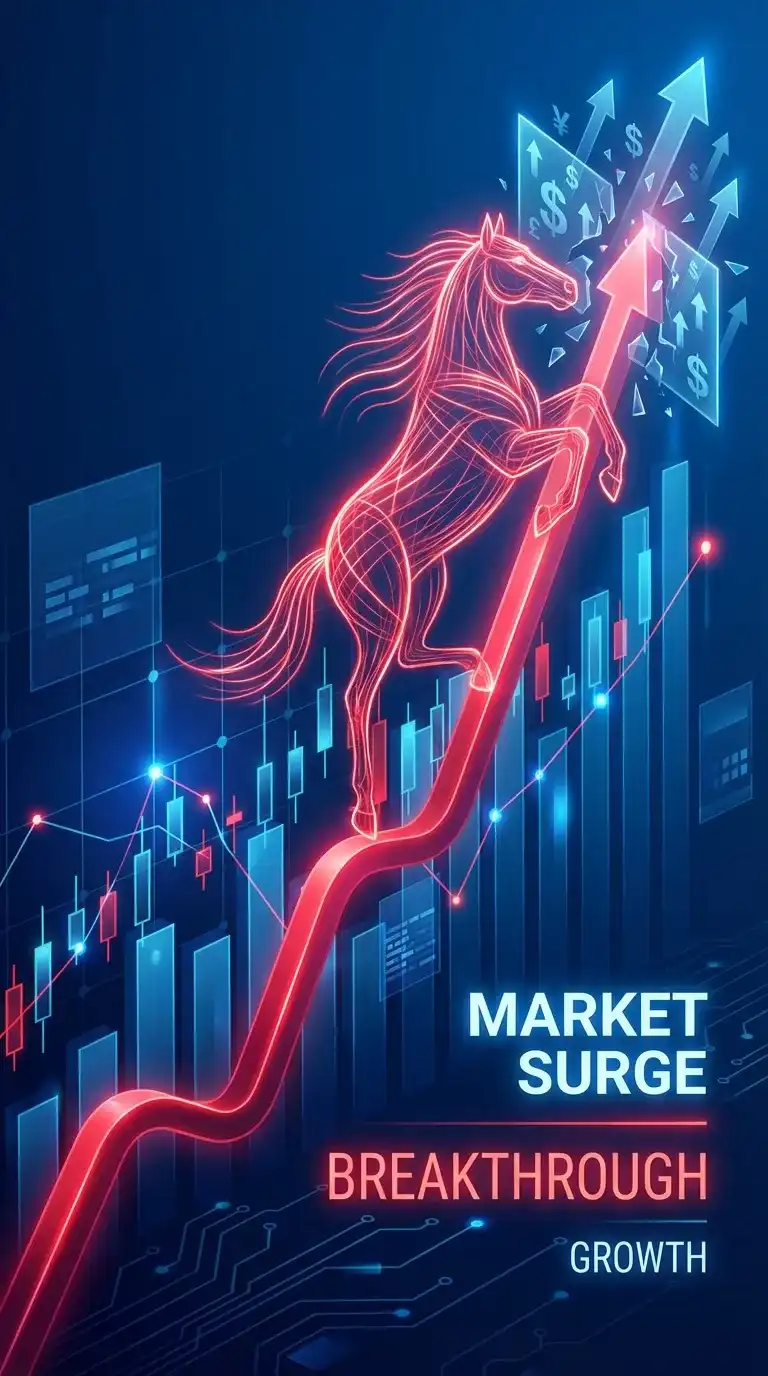 CONCEPT
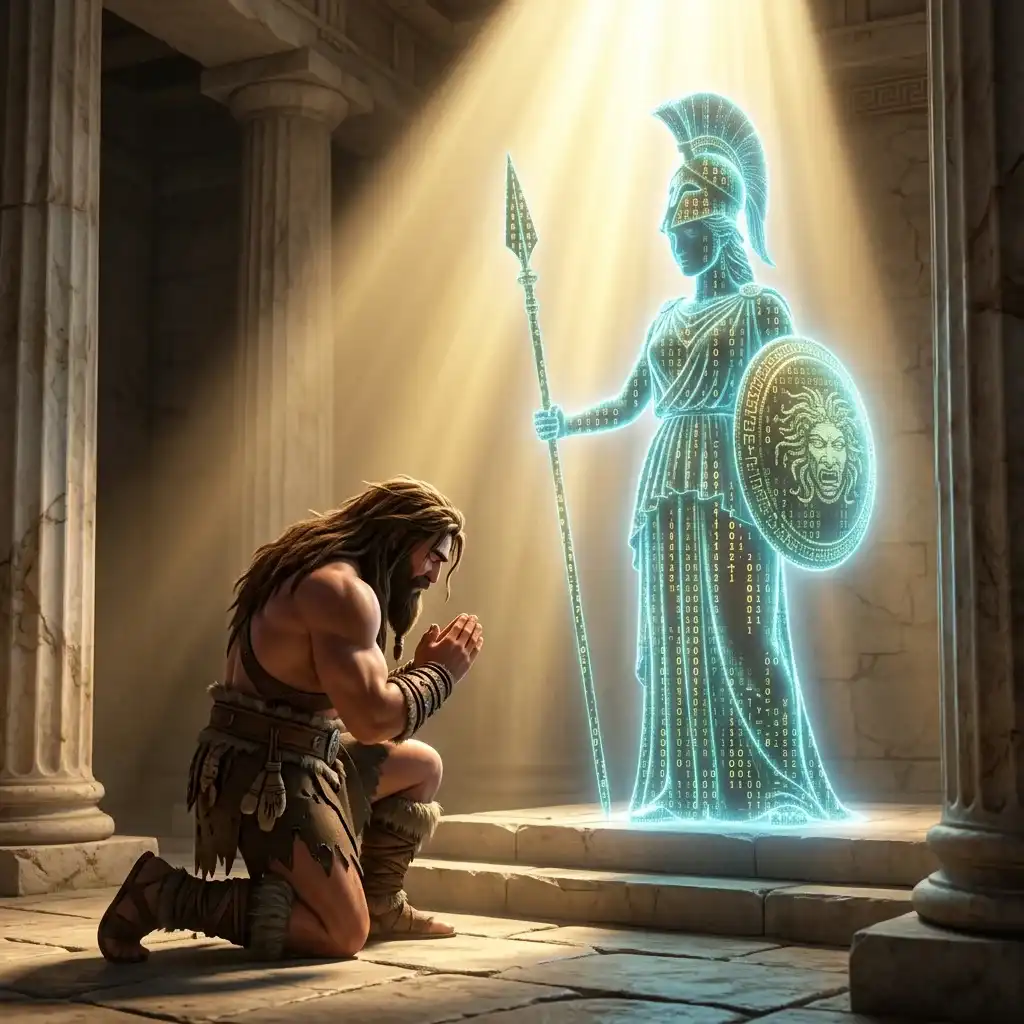 CHARACTER
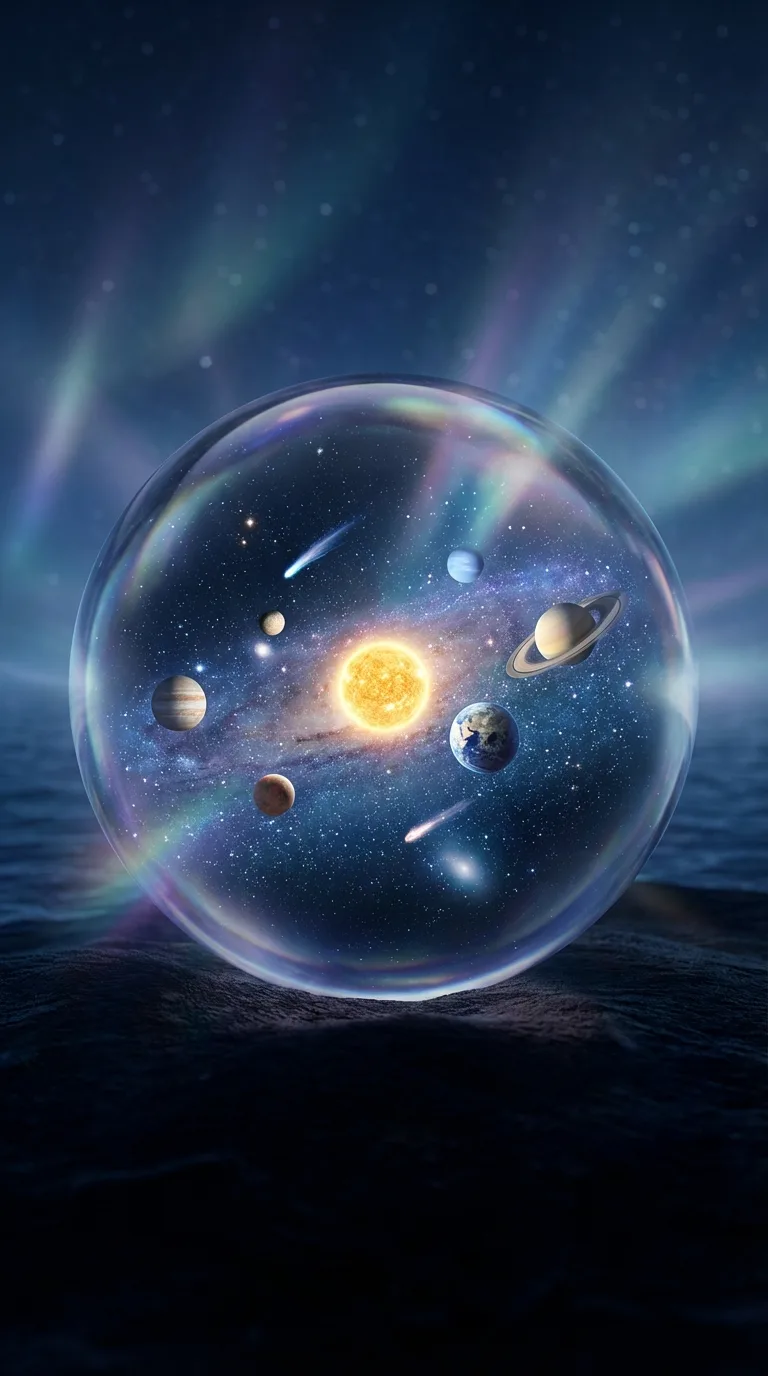 CREATIVE
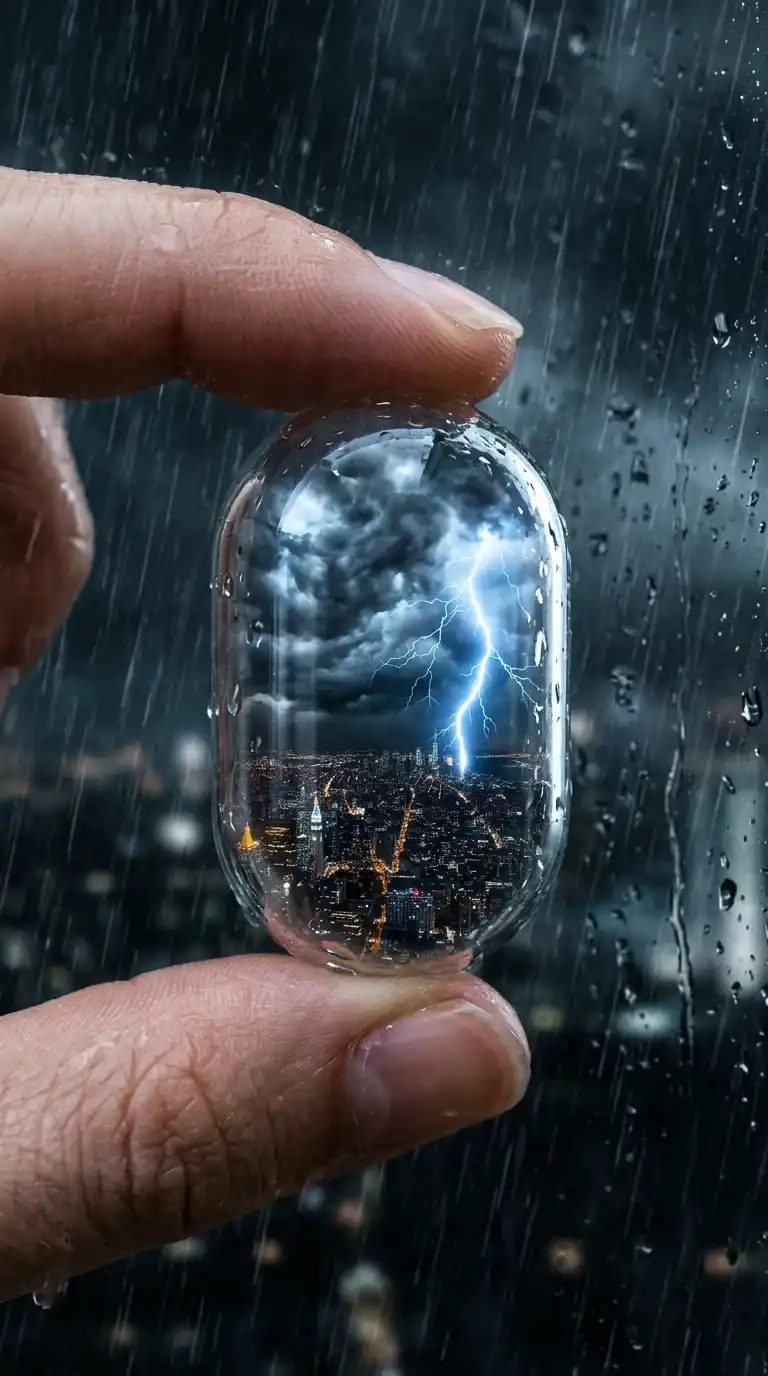 MACRODESIGNPORTRAITANIMALARTILLUSTRATIONCONCEPTCHARACTERCREATIVEMACRO
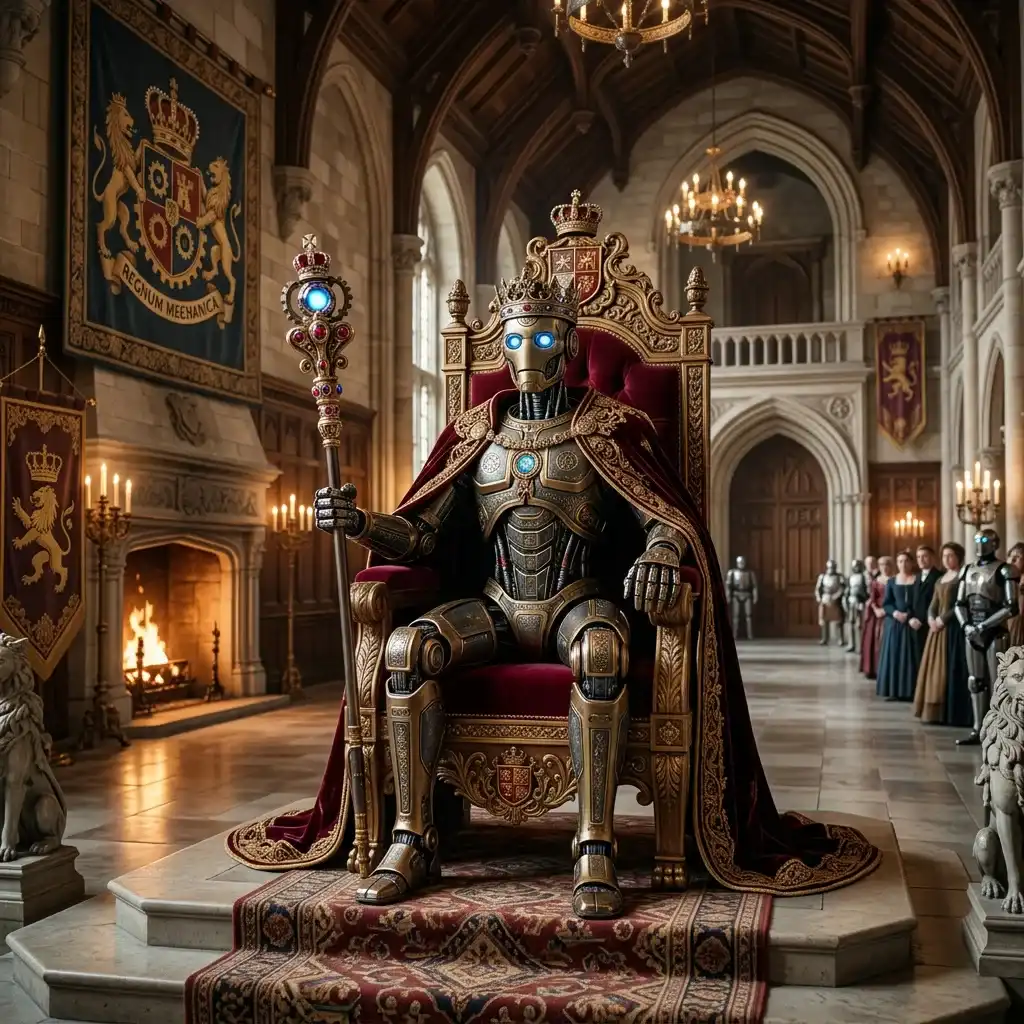 SCI-FI
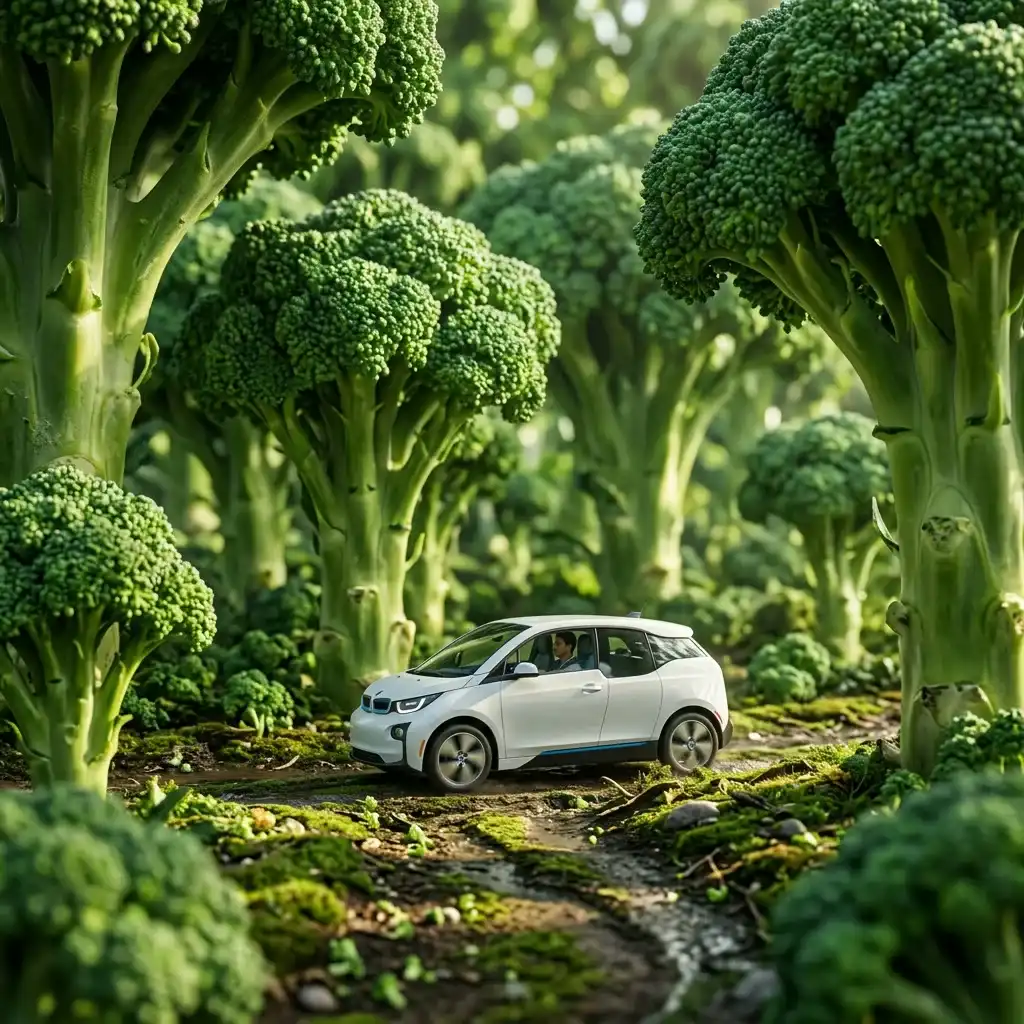 SURREAL
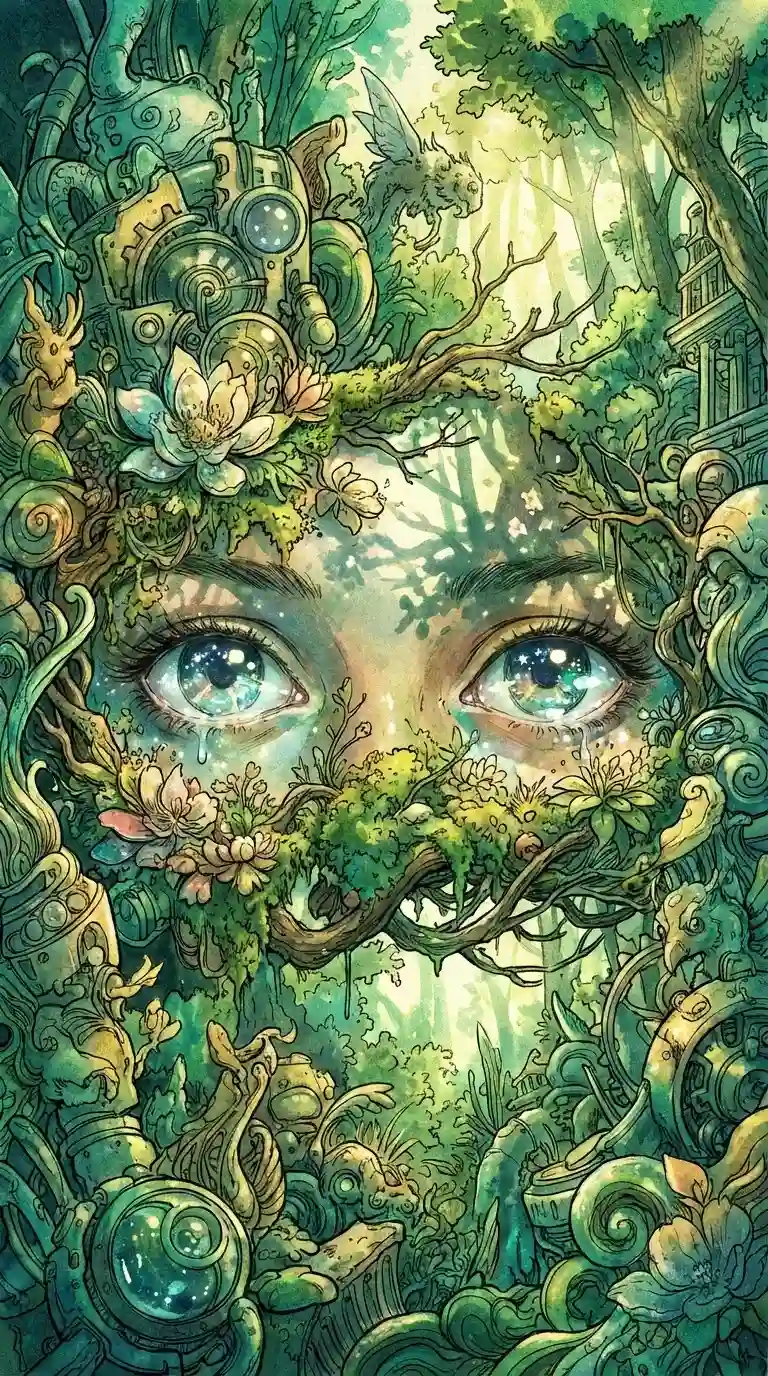 ART
ART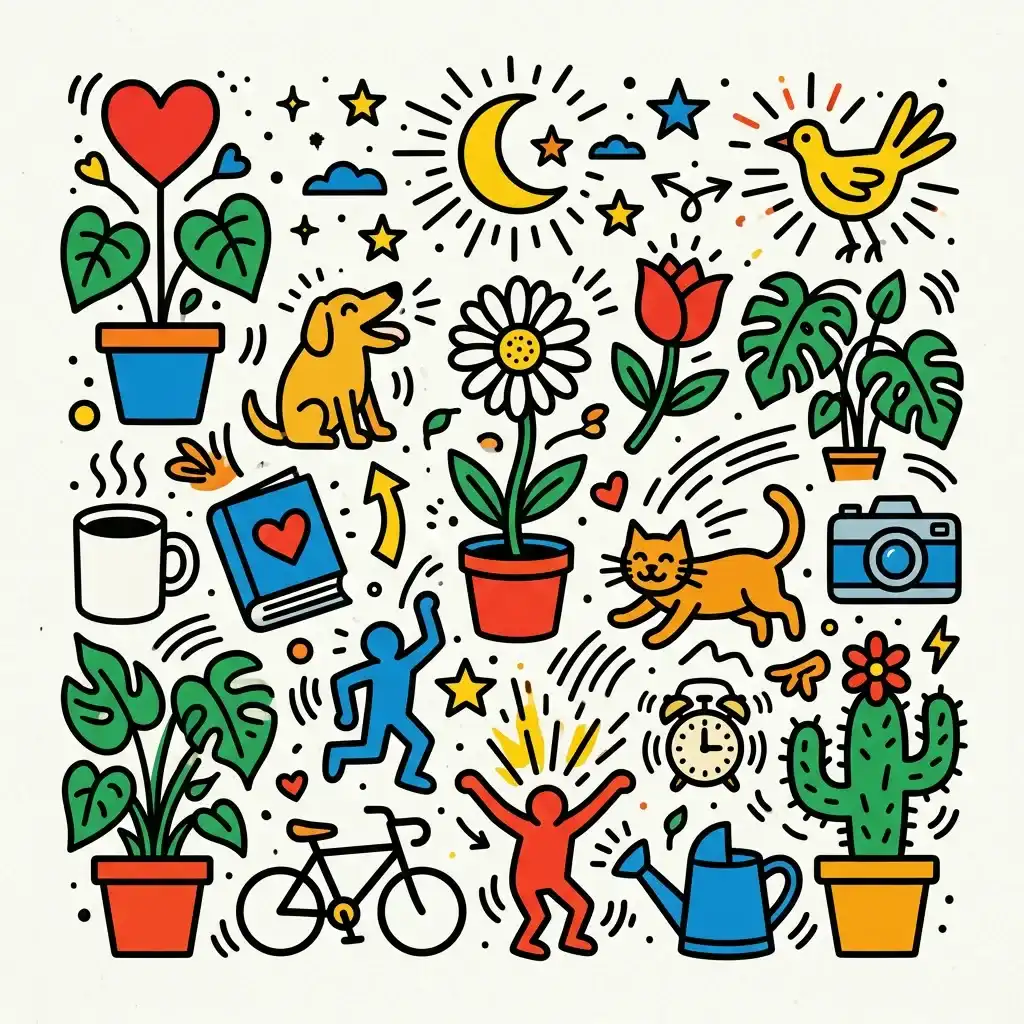 ILLUSTRATION
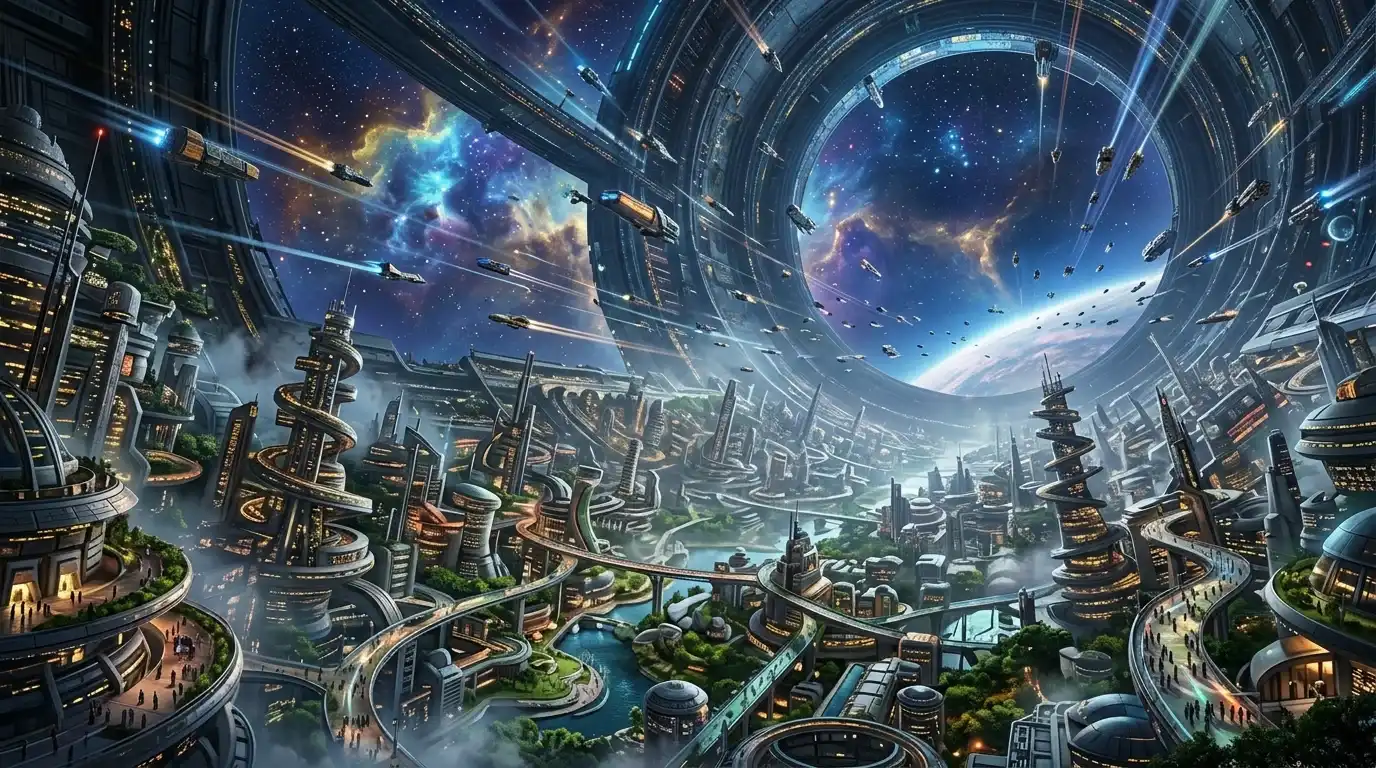 SCI-FI
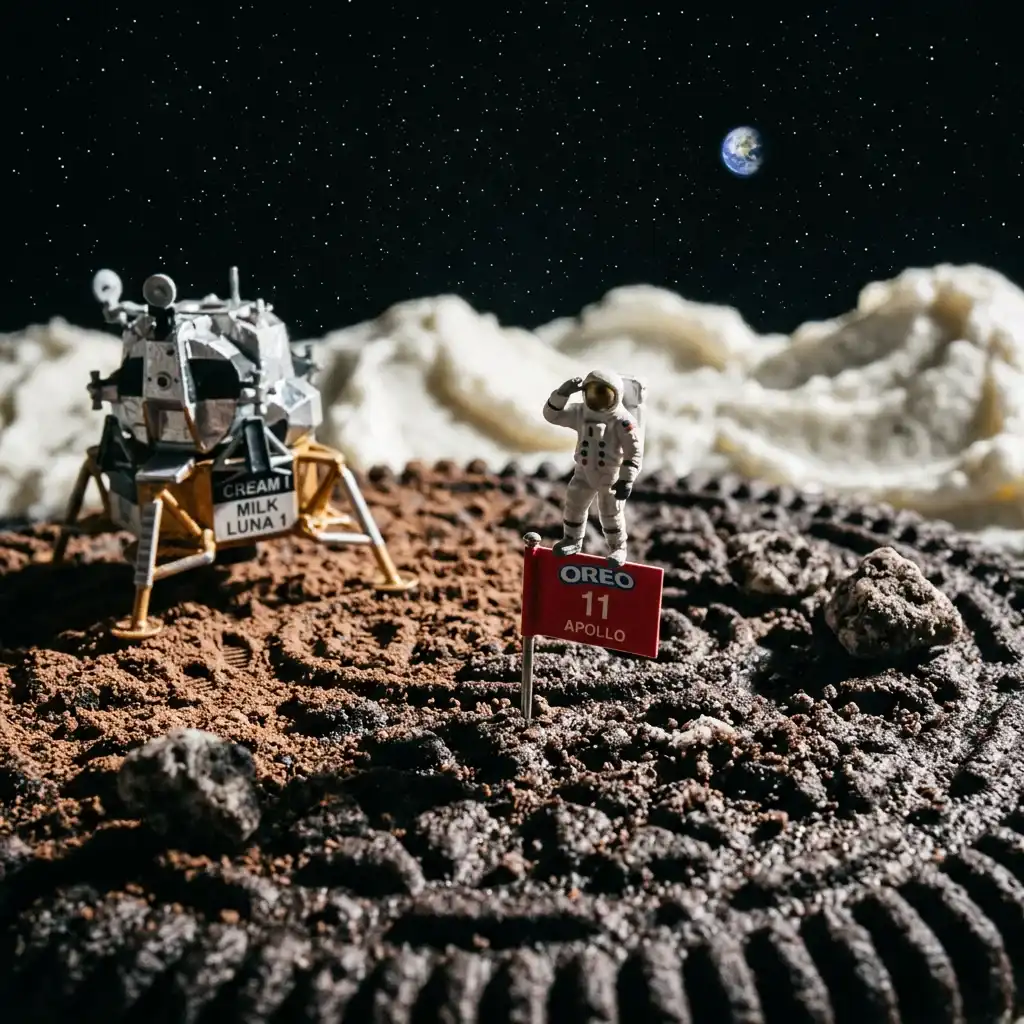 CREATIVE
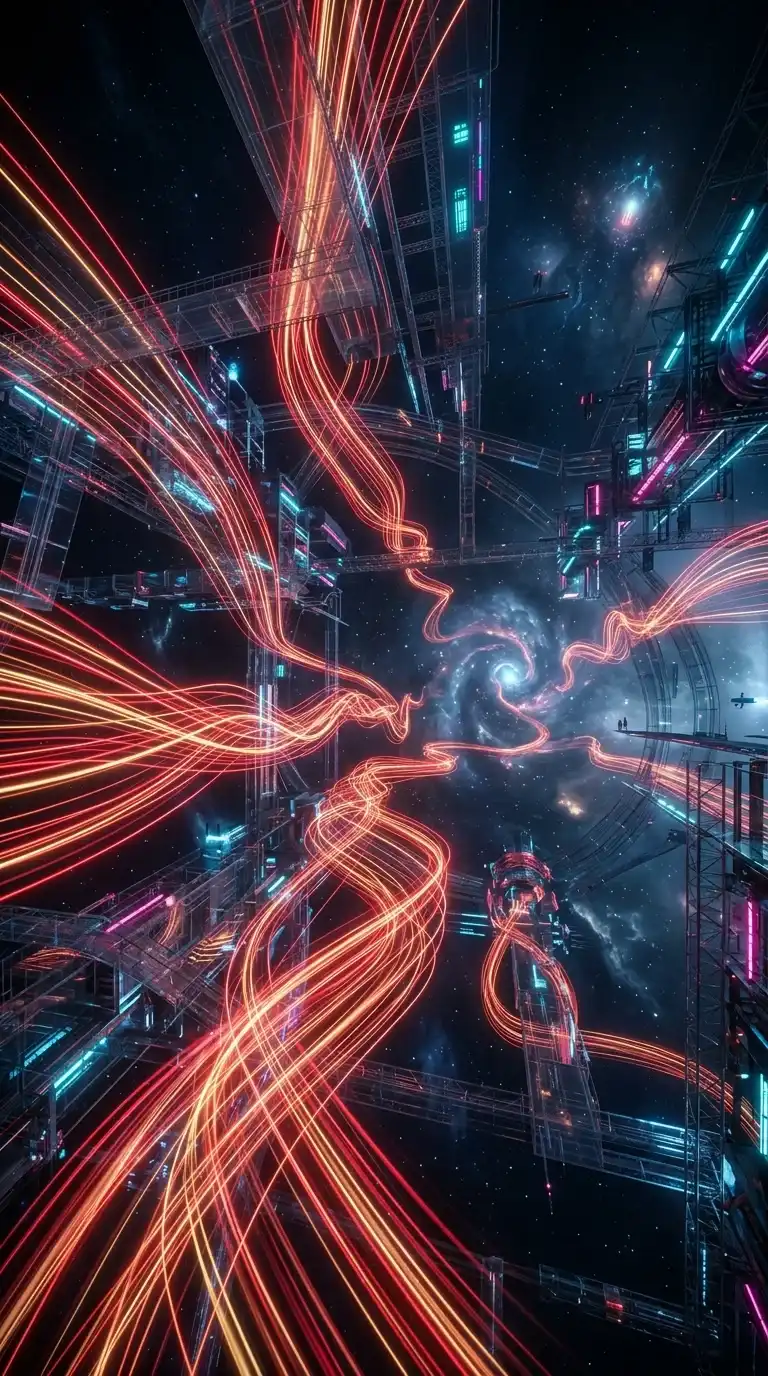 ABSTRACT
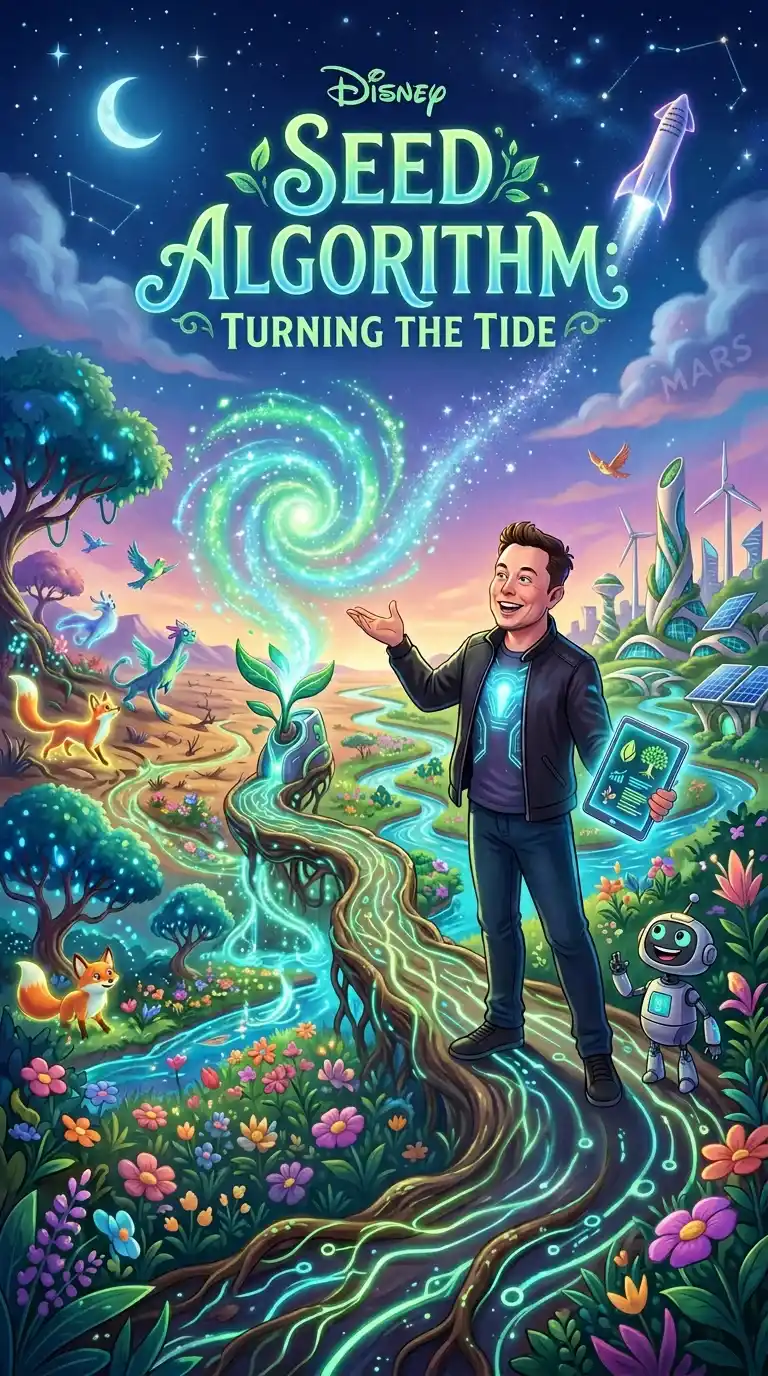 STYLE
STYLE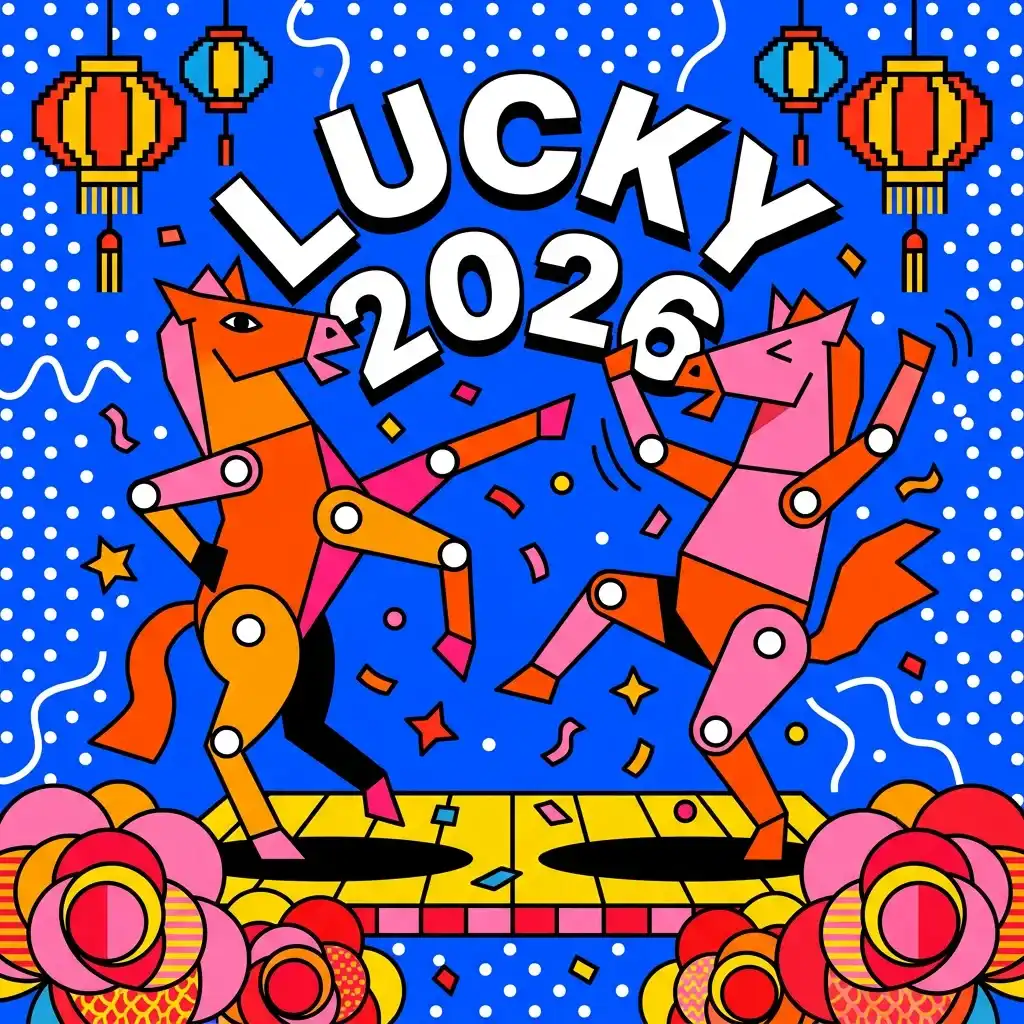 DESIGNSCI-FISURREALARTILLUSTRATIONSCI-FICREATIVEABSTRACTSTYLEDESIGN
Key Features of Image to Image AI
More than a simple filter app — this AI image generator transforms your photos based on what you describe, instantly.
Style Transfer
Apply any artistic style to your photo — oil painting, anime, watercolor, photorealism — using Image to Image AI that preserves your subject.
Change the Background
Swap out any background in seconds. Just describe where you want to be — a beach, a studio, a mountain top — and the AI puts you there.
Make It HD
Got a blurry or small image? Upload it and the AI sharpens details and boosts resolution — get a crisp, high-quality version ready to print or post.
Reimagine Any Photo
Upload a photo and describe something totally different — turn your cat into a dragon, your living room into a spaceship. The AI keeps the composition and creates something new.
Mix Multiple Photos
Upload several photos at once and let the AI combine them — use one for the style, another for the subject, and get a single polished result.
Edit with Words
Just tell the AI what to change — no sliders, no masks needed. Type something like 'make it sunset' or 'add snow' and the Image to Image AI handles the rest.
What Is Image to Image AI?
Image to Image AI transforms your existing images based on text descriptions or reference inputs. Unlike text-to-image generation, Image to Image AI starts with your photo and intelligently modifies it — preserving what matters while changing exactly what you describe. Powered by the world's most advanced AI image models, enabling natural-language transformations with photorealistic output.
- Transform photos with plain-language descriptions
- Preserve subjects while changing style, background, or mood
- Supports multi-reference blending from multiple source images
- Photorealistic output up to high resolution from any input
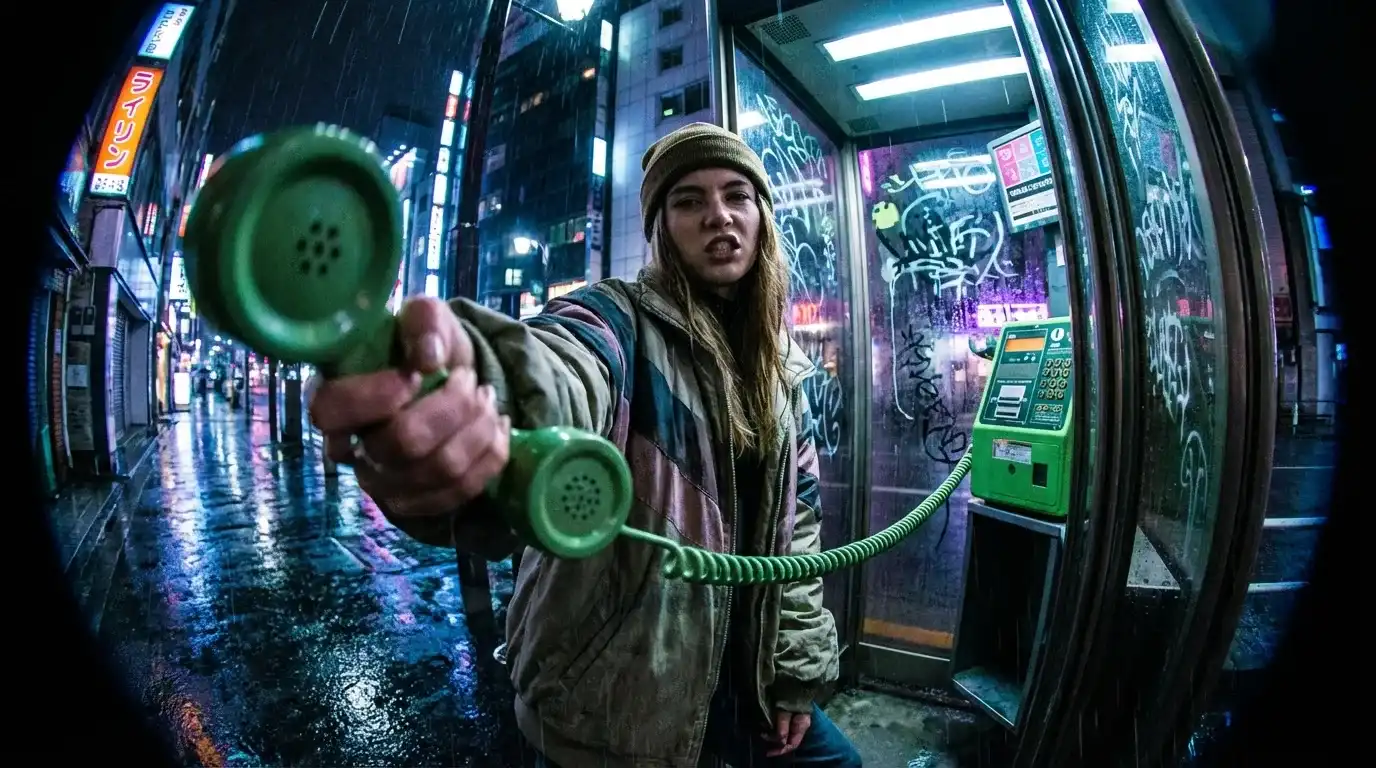 Portrait
Transform photos into cinematic street-style portraits
A dramatic street-style portrait shot with exaggerated fisheye lens distortion, a confident girl aggressively reaching toward the camera with a green phone receiver, rainy Tokyo night setting, cinematic lighting…
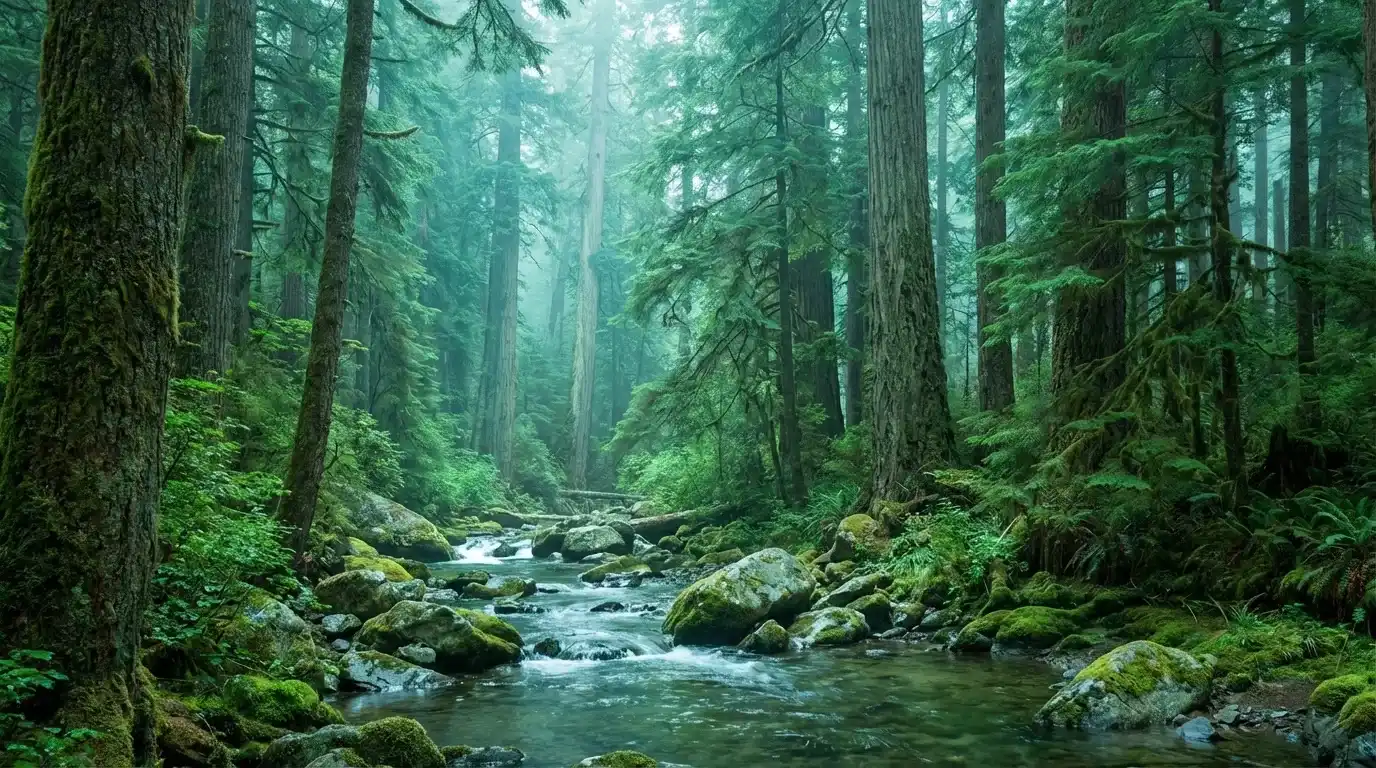 Wallpaper
Create stunning desktop wallpapers from landscape descriptions
A lush Western forest landscape in cool teal-green tones, panoramic wide view, dense evergreen trees, misty air, clear streams and mossy rocks, soft diffused daylight, calm and refreshing atmosphere…
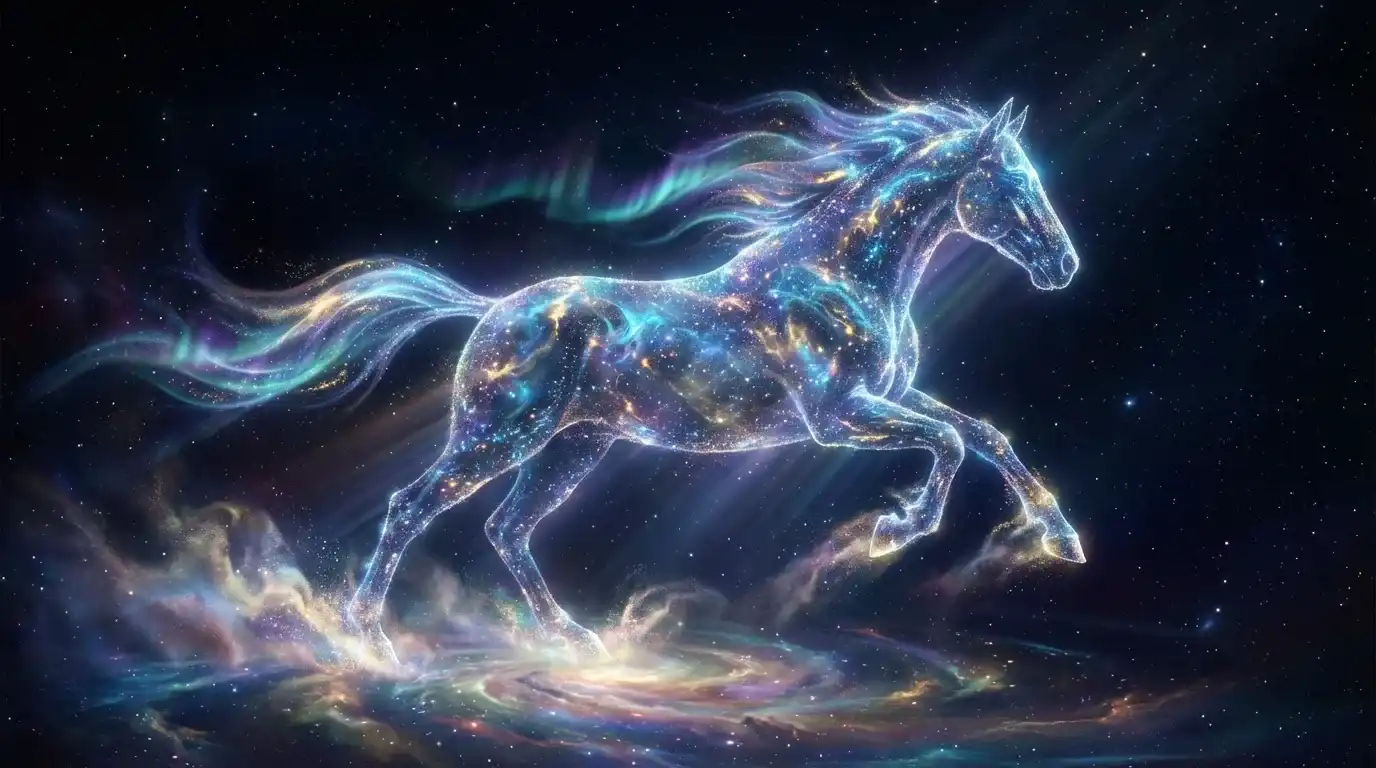 Creative
Turn imaginative concepts into breathtaking cosmic art
The painting employs a grand and dreamlike cosmic art style, with the main subject being a galloping horse composed of dazzling starlight and vibrant cosmic energy, aurora borealis mane…
How to Use Image to Image AI
Using this AI image generator is simple. No design skills needed — just upload, describe, and download.
Upload Your Image
Click the upload button and select the photo you want to transform. The Image to Image AI supports JPG, PNG, and WebP formats.
Describe the Transformation
Type what you want the Image to Image AI to change — the style, background, mood, or any specific element. Use plain everyday language.
Choose Model & Settings
Select your preferred AI model and aspect ratio. We offer the latest AI models so you always get the best results.
Download Your Result
Your transformed image is ready in seconds. Download it in high resolution.
Frequently Asked Questions
Everything you need to know about using Image to Image AI.
What is Image to Image AI?
Why use our Image to Image AI generator?
What types of transformations can Image to Image AI do?
Is Image to Image AI free to use?
How good is the output quality?
Can I use the results for commercial projects?
What image formats does Image to Image AI support?
Transform Your Images with AI Now
Upload any photo and describe the change you want. Image to Image AI will handle the rest. Free credits on signup, no credit card required.